Candidate Registration Overview
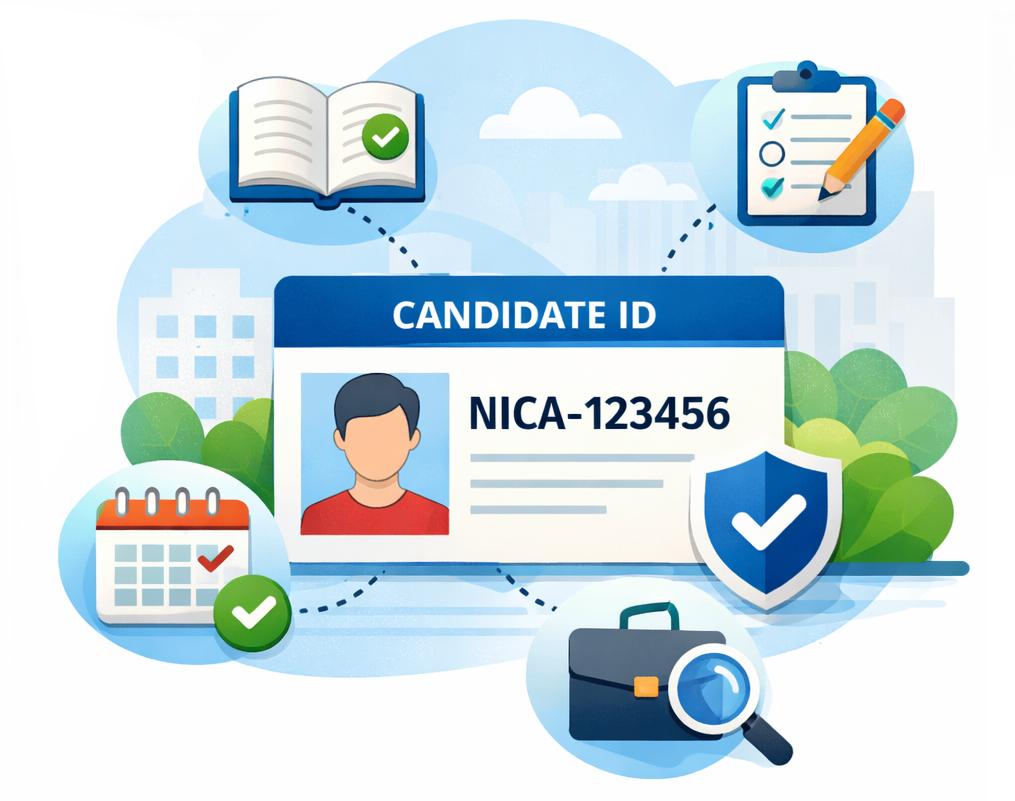
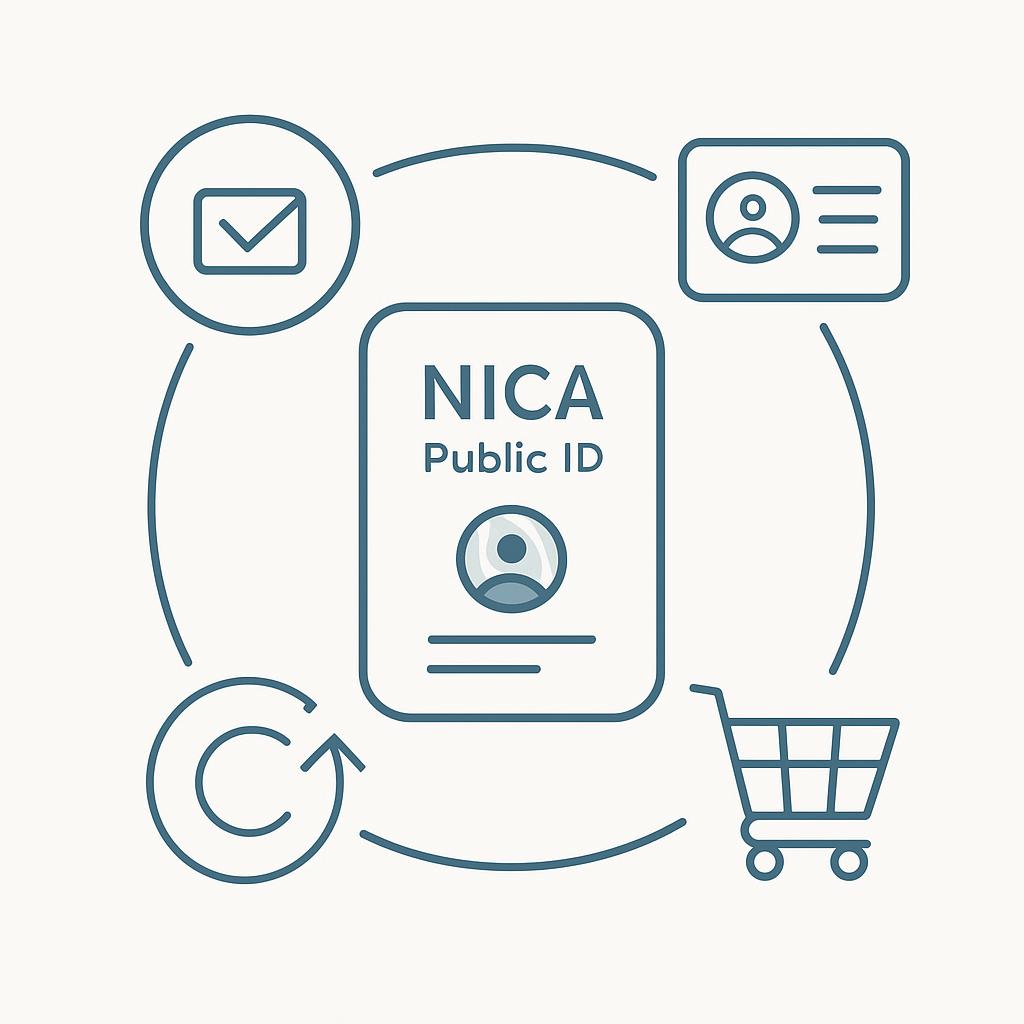
Registration creates your NICA Candidate profile and assigns you a permanent Candidate Public ID.
This Public ID is required to enroll in courses, schedule exams, purchase materials, and verify credentials. It does not contain personal information and is safe to share with employers for verification purposes.
Registration Form Card
Please enter your name exactly as it should appear on official NICA certificates and records. All fields marked required must be completed to create a candidate profile.
Registration Process Overview

Need Help?
For assistance with candidate registration, please contact NICA Support at:
support@nica-certification.org